
At Chainbalance, we continually improve our solution to help you make faster, more informed decisions - for smarter insights and a smoother experience. With the release of Chainbalance Version 2.12, we're introducing features that make your workflow more intuitive, your insights sharper, and your feedback easier to share.
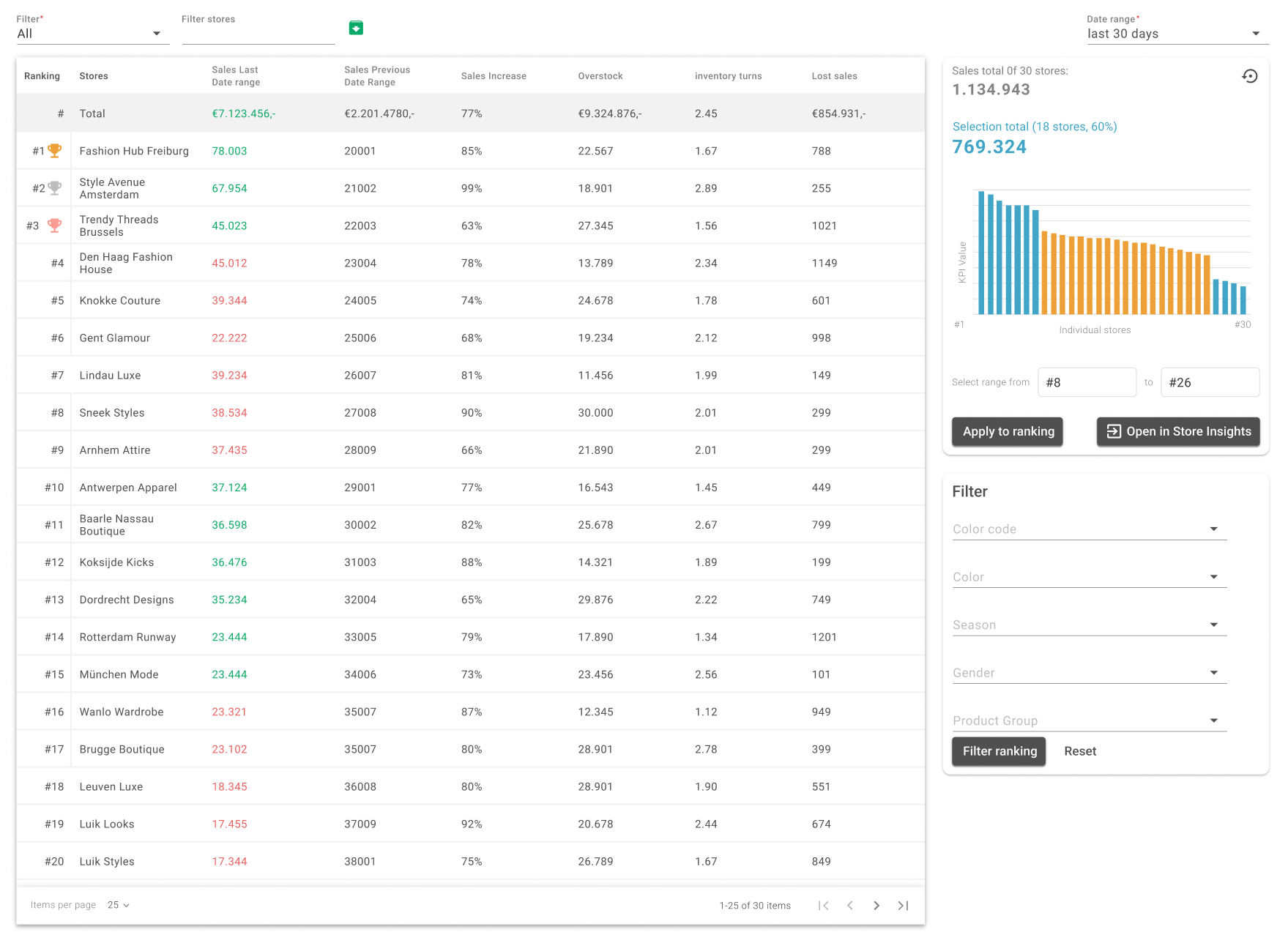
A new way to view store performance
Navigating store insights can be challenging, especially when you're unsure where to start. Our new Store Performance page offers a comprehensive overview of your entire network, enabling you to initiate assortment optimization with clarity.
With this feature, you can:
- Compare store sales performance at a glance
- Search and locate specific stores
- Dive deeper into individual store insights when needed
It's a starting point that gives you confidence in where to focus next.
Feedback Feature: because feedback should be easy
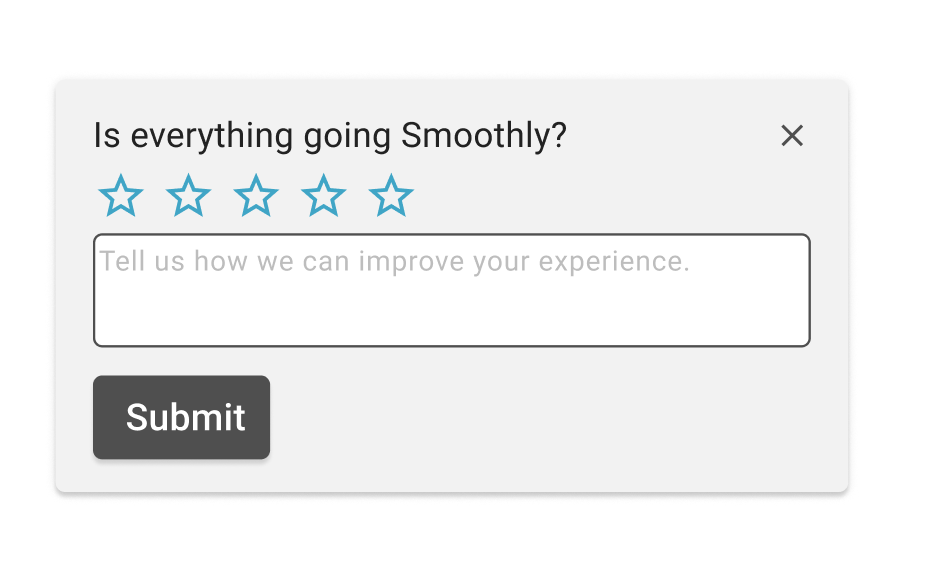
When something unexpected happens in Chainbalance, we want to hear about it. However, we know it's not always convenient to pause and report issues, so we introduced a new ‘Feedback Feature’
You can now:
- Report bugs or odd behavior in just three clicks
- Let us know about slow loading times or missing info
Access the feedback form directly from the Support menu in the top-right corner
Your feedback helps us move faster and improve the solution for you.
Deeper insights with expanded pricing data
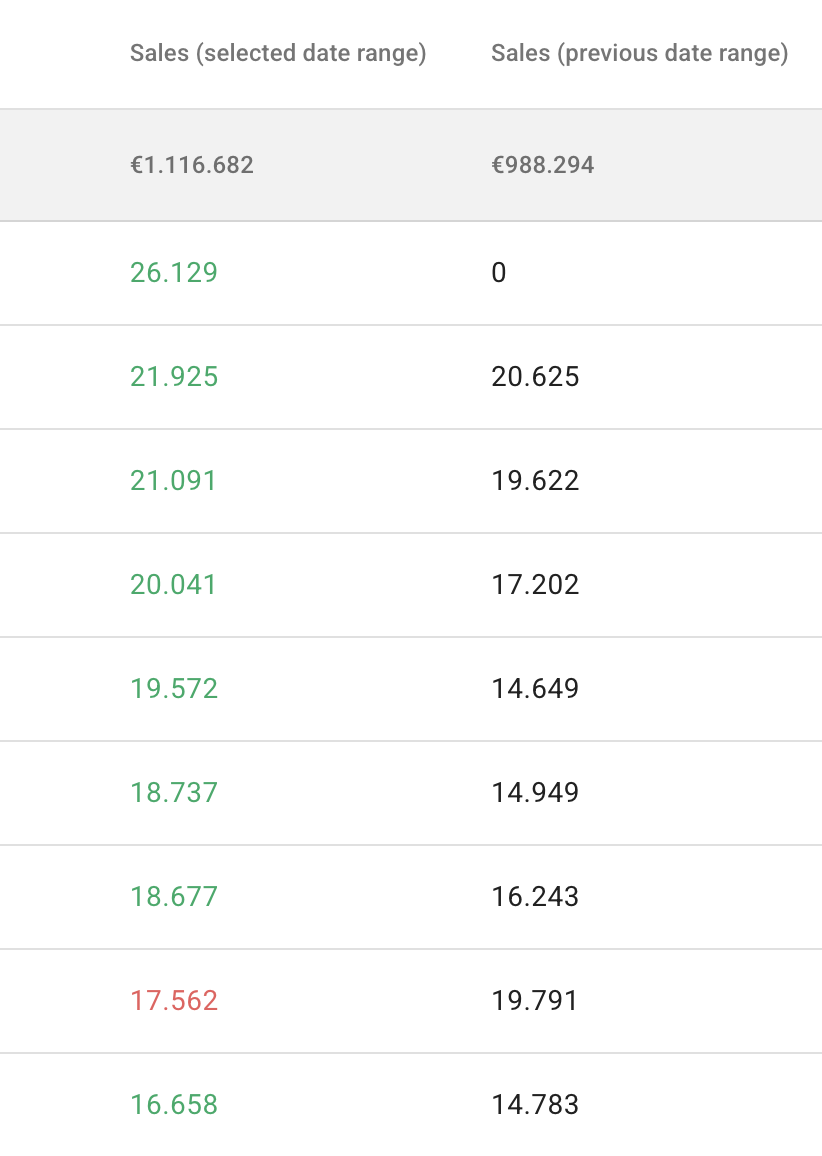
Quality insights start with quality data. In Version 2.12, we've expanded our support for granular monetary and pricing data. If your data can go deeper, so can our solution.
This improvement allows:
- More accurate KPI calculations
- Enhanced functionality for tools like Minimum Order Quantity (MOQ)
- Better reporting tailored to your actual price and sales conditions
More precision and more value for your business!
Small changes that make a big difference
Alongside the headline features, Version 2.12 includes several improvements that streamline your experience:
- Replenishment visibility is clearer across the Replenishment List, Lost Sales, and Overstock pages
- Column filters remain visible even when a new list doesn't match your current filters
- Allocated Missing Best Sellers won't reappear in results until the next day
- MOQ settings now show "–" when turned off, making it evident that no settings are active
- Filtering in Recommendations is now faster and more intuitive — users can now filter before loading the results
With the updated Chainbalance Version 2.12, we're continuing to refine and enhance your day-to-day experience. Whether optimizing assortments, managing replenishment, or digging into sales performance, this version will help you do it better.
Contact us to gain firsthand insights into our Smart Merchandise Management Solution at info@chainbalance.com.